Black ink on white paper
Compare the handwriting and the spaces inside each loop.
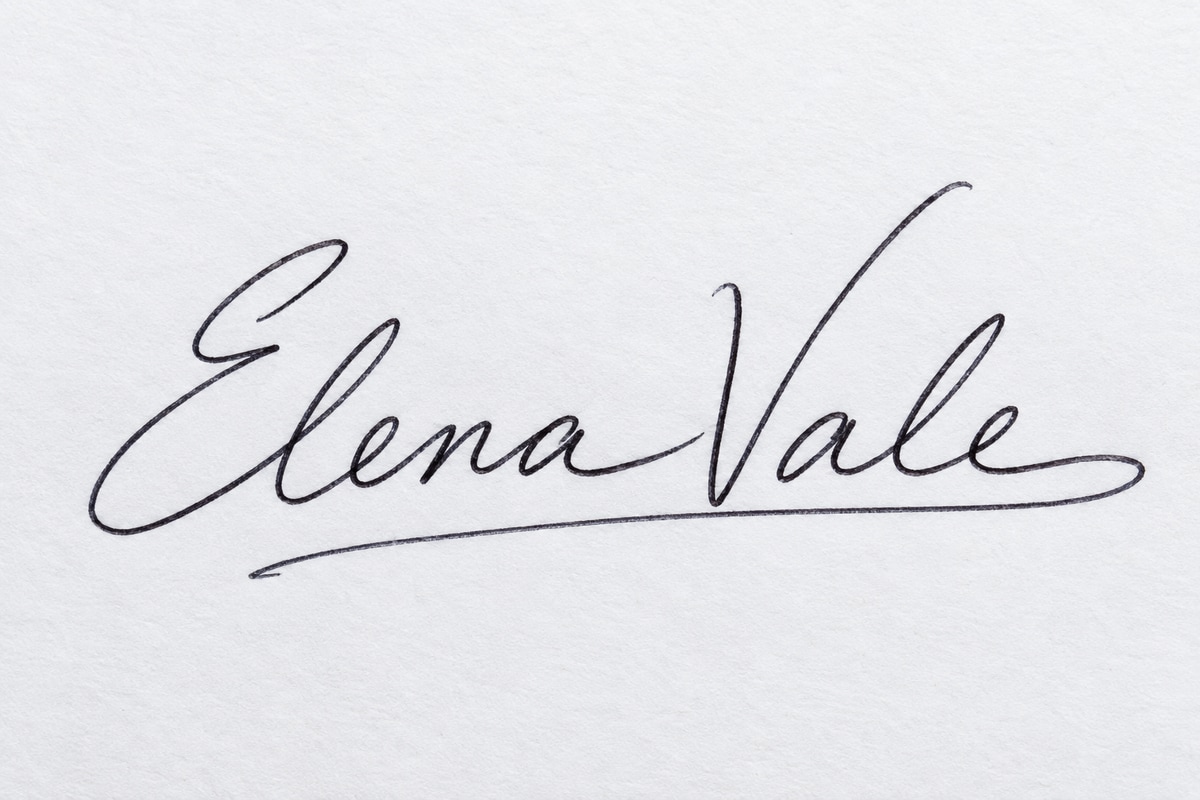
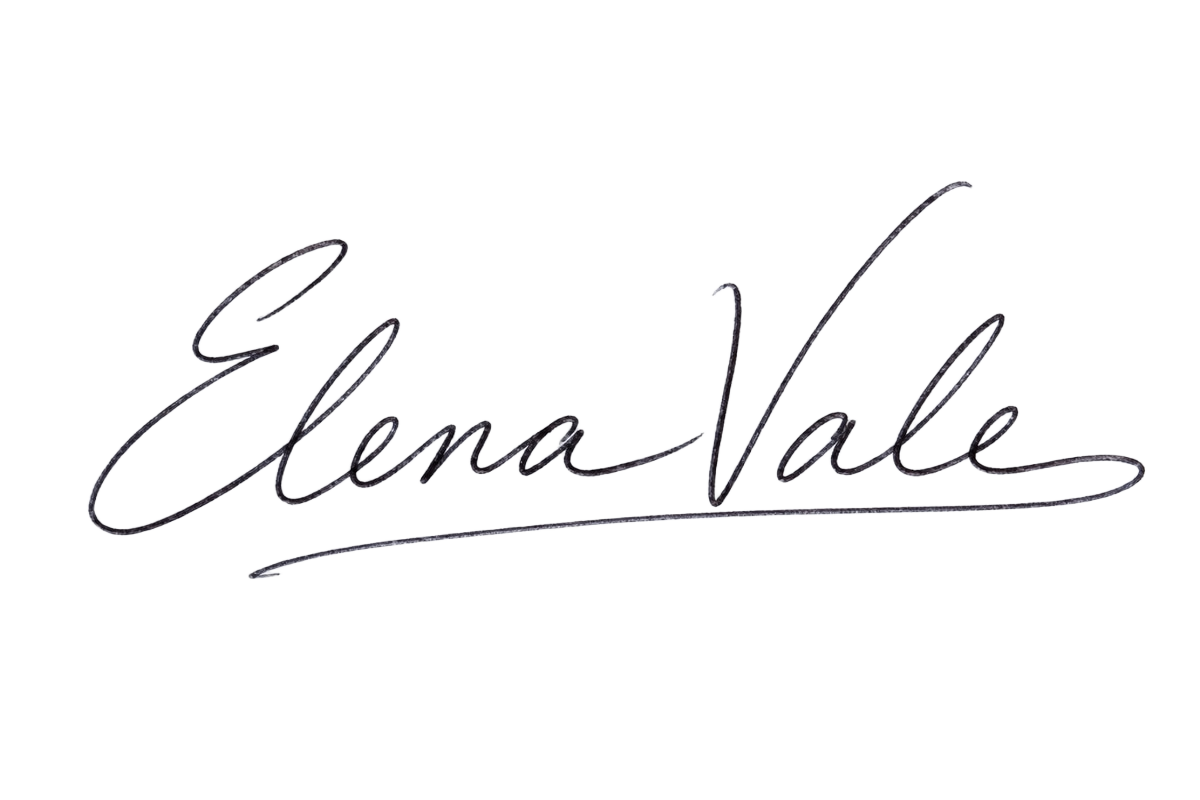
Remove the paper background from a photo or scan of your handwritten signature. Download a transparent PNG to place in Word, Google Docs, or a PDF editor that supports images.
Compare the original image with the transparent result. Look closely at thin strokes, dots, loops, and any remaining paper around the handwriting.
Compare the handwriting and the spaces inside each loop.
Check the fine joins and lighter parts of the blue ink.
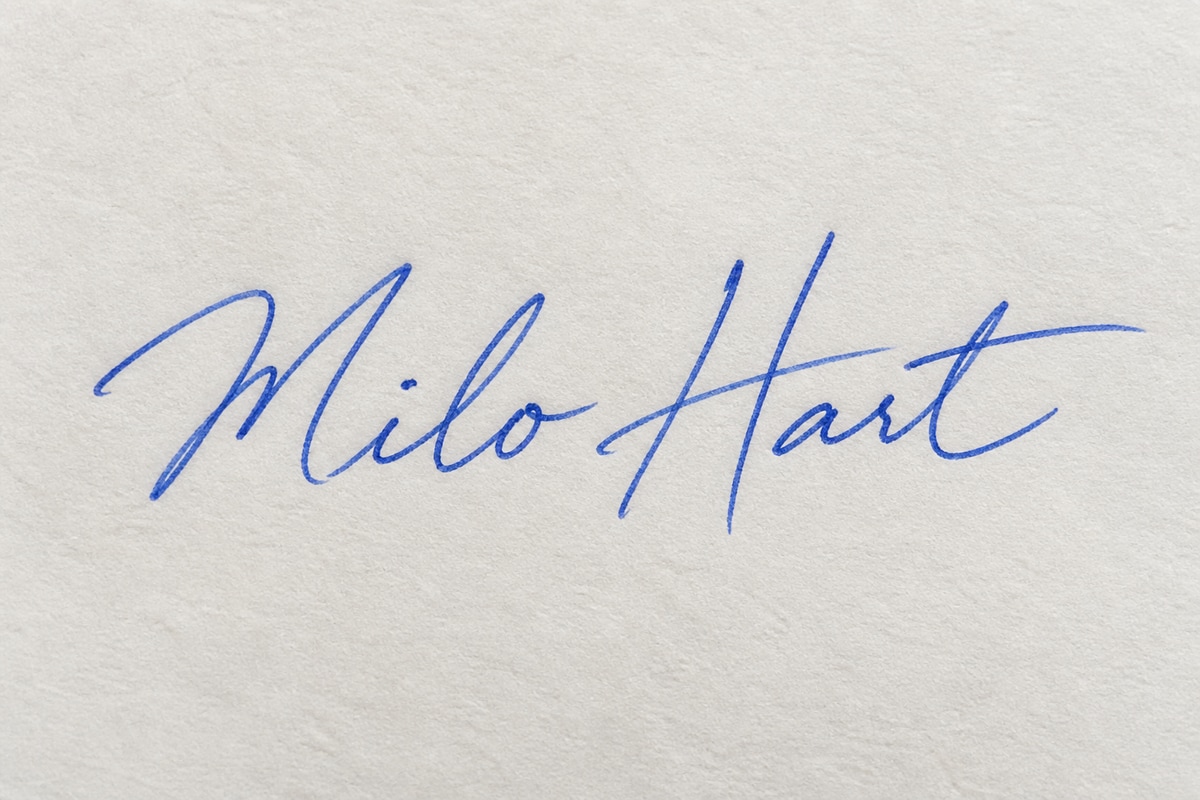
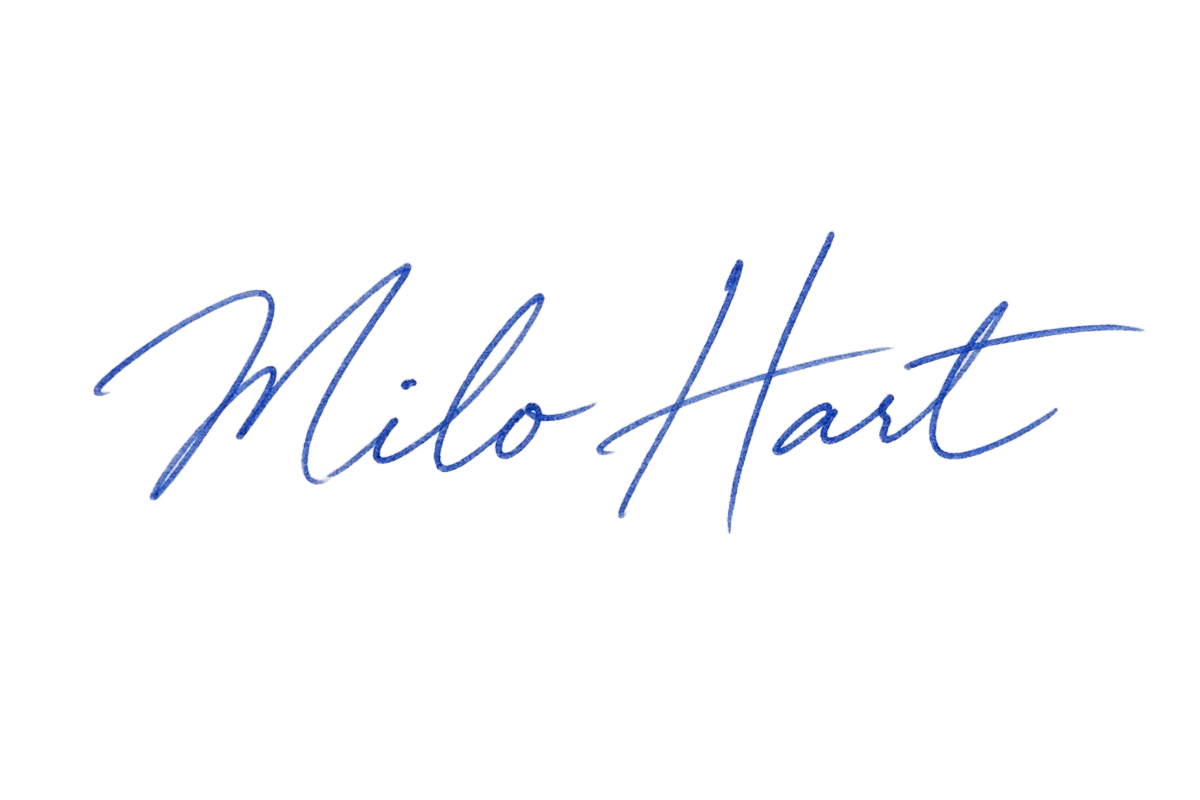
Inspect the paper shadows and the edges around the strokes.
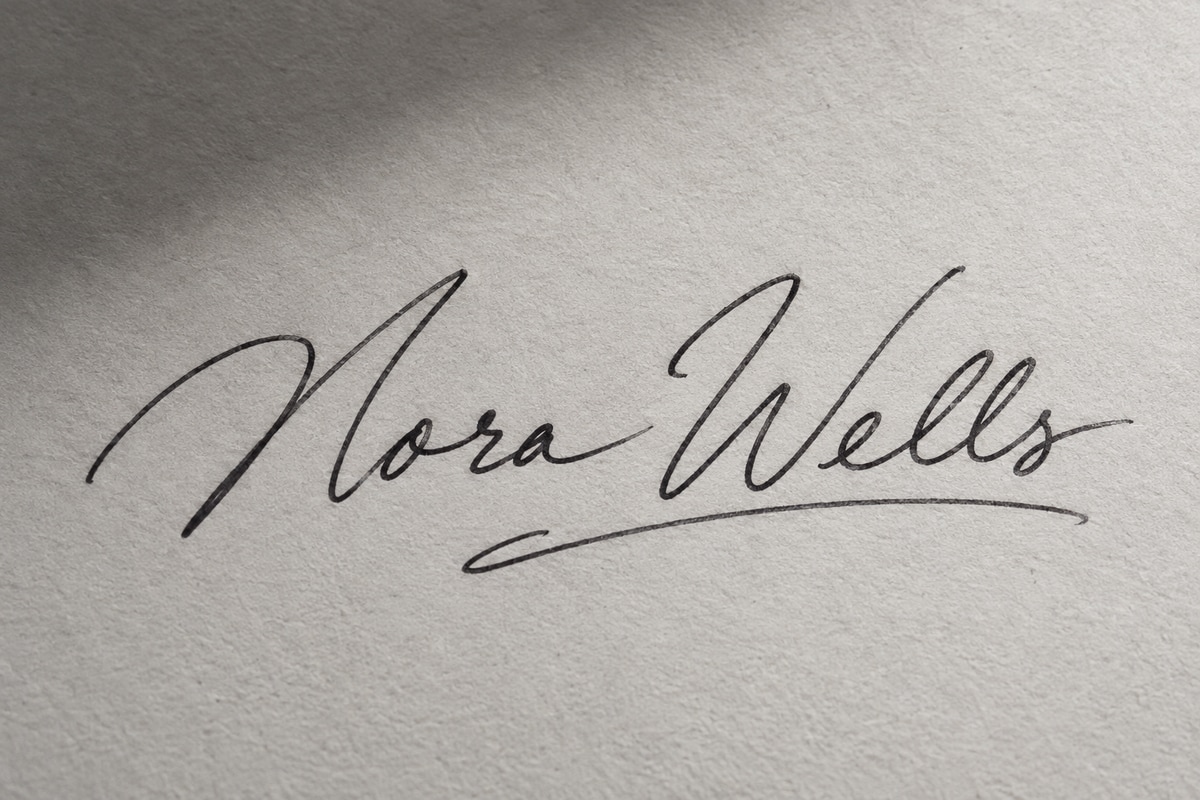
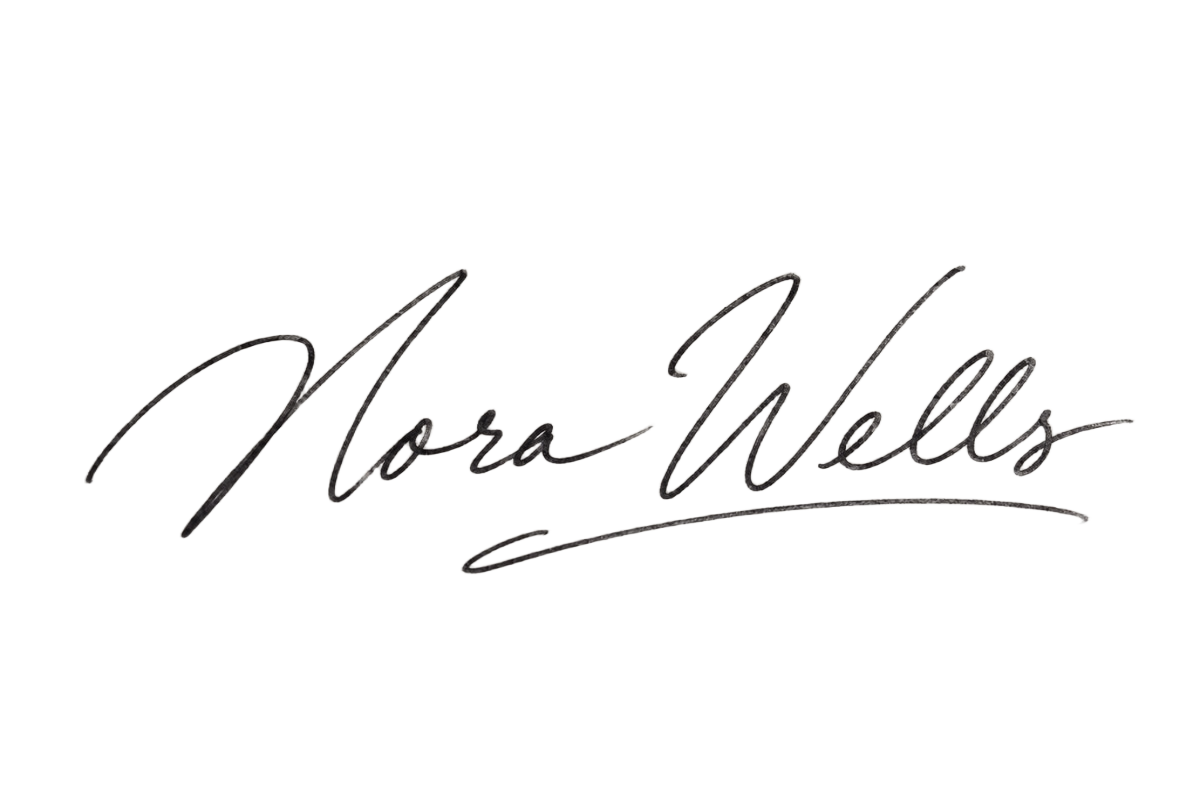
Select a photo or scan without signing in. Keep the complete signature visible and avoid heavy blur or strong shadows.
Click Remove background and sign in if prompted. Your image stays selected. Click again after signing in to upload and process it for 1 credit.
Review thin strokes, dots, and loops in the result preview. Faint ink and low contrast may affect the output.
Download the PNG within seven days. Insert it into your document using an editor that supports images.
Place your existing handwritten signature in Word or Google Docs as an image. Resize and position it in your document editor.
Create a transparent signature image for a PDF editor that supports image placement. Prepare the image here, then add it to the PDF in that editor.
Keep the downloaded PNG for future documents. Its transparent background lets the handwriting sit over different page colors without carrying the original paper rectangle.
| Processing cost | 1 credit per new image-processing task |
|---|---|
| Preview and download | No additional credits |
| Supported input | JPEG, PNG, WebP, GIF, AVIF |
| File size | Up to 10 MiB per image |
| Images per task | One |
| Output | One static transparent PNG; animation is not preserved |
| Result availability | Seven days from when the result is ready |
| Account | Sign-in and a verified email are required for processing |
If processing fails after a credit has been deducted, that credit is returned. Starting another processing task uses 1 credit. Reprocessing a completed image is a new task; a result you do not like does not automatically qualify for a refund.
This tool uses your existing account credit balance. Available signup credits and purchased credits can be used for processing.
Clear handwriting on plain paper is a good starting point. Faint ink, heavy shadows, blur, and lines crossing the signature can affect the result. This version does not crop the image, recolor the ink, restore missing strokes, or edit a PDF.
Your image is uploaded for online processing and stored privately. The processing provider receives the image to complete your request, and authorized administrators can access task files. Inputs are available for seven days after upload; results have their own seven-day period from when they are saved. Files are scheduled for automatic deletion after that period. Downloads do not extend it.
Contact support for privacy or deletion requests. Clearing your local selection does not delete uploaded files. Account and transaction records follow separate retention rules.
Choose your signature image and create a transparent PNG for your next document.
Choose a signature image