Image Background Remover
Use AI to remove the background from an image and create a reusable transparent PNG for product layouts, profile graphics, and other designs.
Actual output
See the transparent PNG result
This project-owned source image was processed with the same production background-removal model used by the workspace.
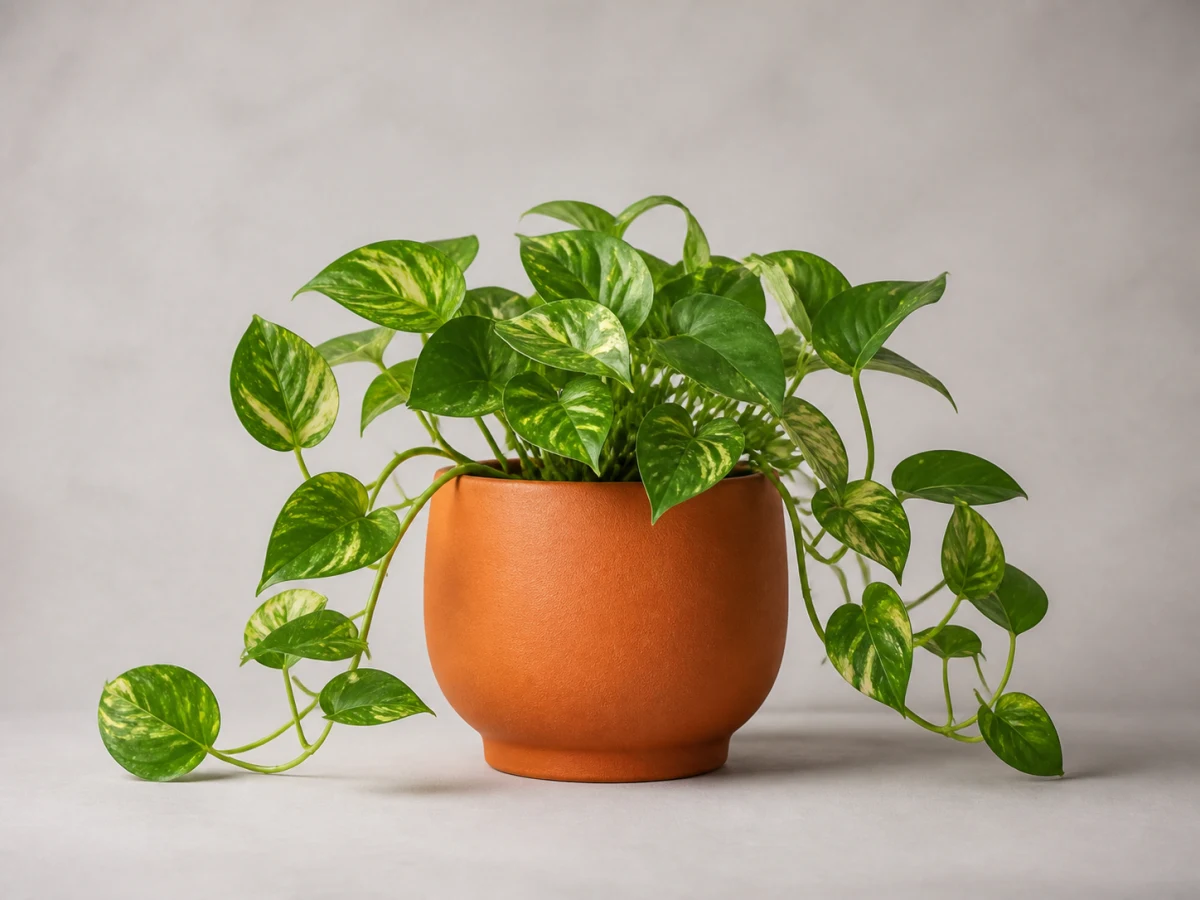
A project-owned studio image used as the source for this example.
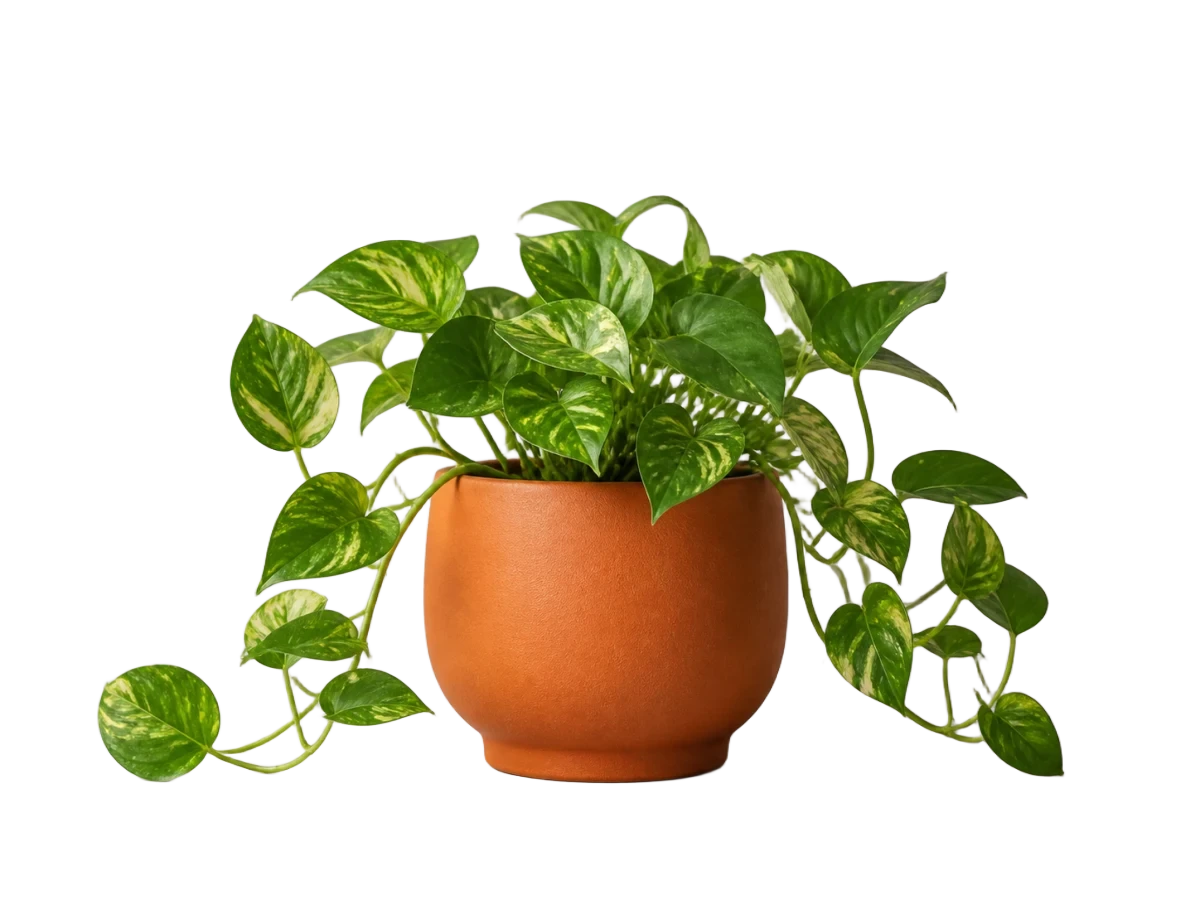
The production background-removal model returned this transparent result.
What the tool does
Turn a photo into a reusable cutout
The AI model separates the main subject from its surrounding scene. You may also see this task described as using a background eraser to make an image cutout with a transparent background.
Separate the visible subject
The model estimates which visible pixels belong to the subject and which belong to the background; clear separation can make that decision easier.
Keep a flexible image cutout
The removed area becomes transparent, leaving one raster PNG that can sit over another color or design.
Common image types
Cut out subjects for everyday visual work
These are ordinary inputs for the same general background-removal model, not separate modes. Source contrast and edge complexity still affect each result.
Product photos
Try a clearly photographed item, then reuse the transparent cutout in a catalog, product layout, or promotional design after checking its edges.
Portraits and headshots
Isolate a person for a profile graphic, presentation, or social design. Review hair, soft edges, and any background visible between the subject and clothing.
Logos and graphics
Try a raster logo or graphic that has a surrounding backdrop. The output remains a raster PNG, so inspect lettering, white details, and interior gaps.
Objects and pets
Create a cutout of an object or pet for a composition. Fur, whiskers, transparent parts, and reflections can need closer review.
How it works
From source image to transparent PNG
One upload becomes one transparent PNG through a short asynchronous workflow.
Upload one image
Choose one JPEG, PNG, WebP, GIF, or AVIF file no larger than 10 MiB.
Remove the background
Start the private 1-credit task. You may leave and return through its task link.
Download the PNG
Preview and download the single transparent PNG within 7 days.
Understand the output
A transparent background is different from a white background
Removing a white background means turning those background pixels transparent; it does not add a new white layer. PNG preserves the transparent edges that JPEG cannot store.
Build flexible layouts
Place the cutout in a website, product layout, social graphic, or other composition without a rectangular background block.
Reuse the visible subject
Reuse a person, object, or pet in a profile graphic, presentation, thumbnail, or visual document after checking the edges.
Add another background later
To place the cutout over a new color or scene, open the downloaded PNG in an image editor. This workspace does not replace the background.
What to expect from an image task
The workspace follows the same clear limits for every image task.
- Upload JPEG, PNG, WebP, GIF, or AVIF files up to 10 MiB.
- Every completed task creates one transparent PNG.
- Each image task uses 1 credit.
- Uploads and results stay private.
- Results remain available to download for 7 days.
- Failed processing returns the credit when applicable.
- You can leave during processing and return through the task link.
Image background remover FAQ
Answers about transparent output, suitable source images, quality checks, supported files, credits, privacy, and task behavior.
Ready to create a transparent PNG?
Upload one supported image to start a private background-removal task.
Choose an image